IPSRM Field
The IPSRM™ methodology, applied in the field.
Carry out a structured physical security assessment, capture evidence as you work, calibrate residual risk and produce the Executive Report, all in one app.
Try the demoNo installation. No account. Nothing leaves your device.
IPSRM Field in 70 seconds
Collect · Calibrate · Communicate
Goes where the assessment takes you.
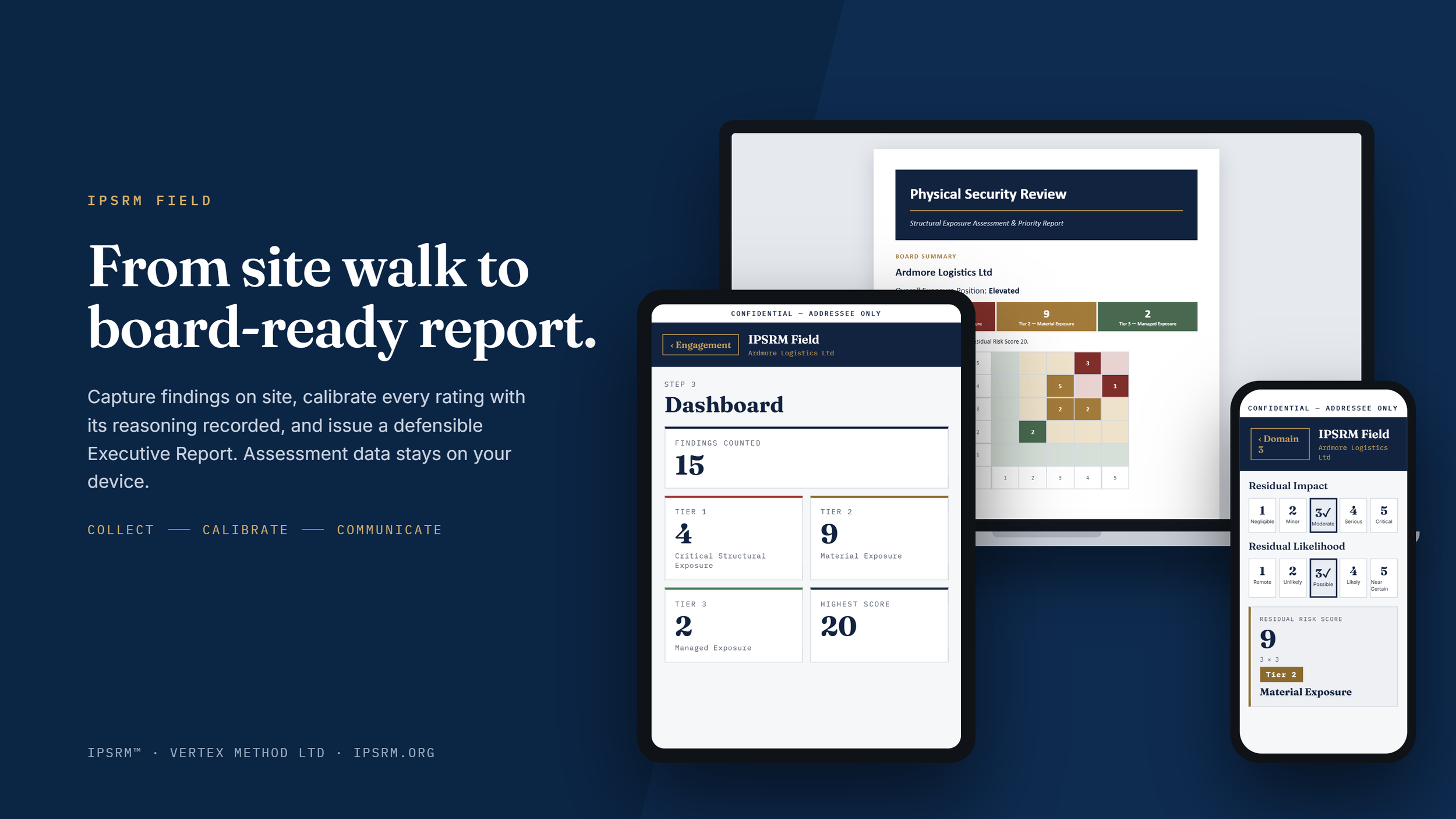
On your phone, tablet or computer. On site, in the office or anywhere in between. The same methodology, assessment record and evidence trail, wherever you work.
See how it works
From the site walk to the Executive Report.
IPSRM Field takes you through the assessment in a single, connected workflow. Evidence, calibration and reporting all come from the same assessment record, so nothing is retyped.
01
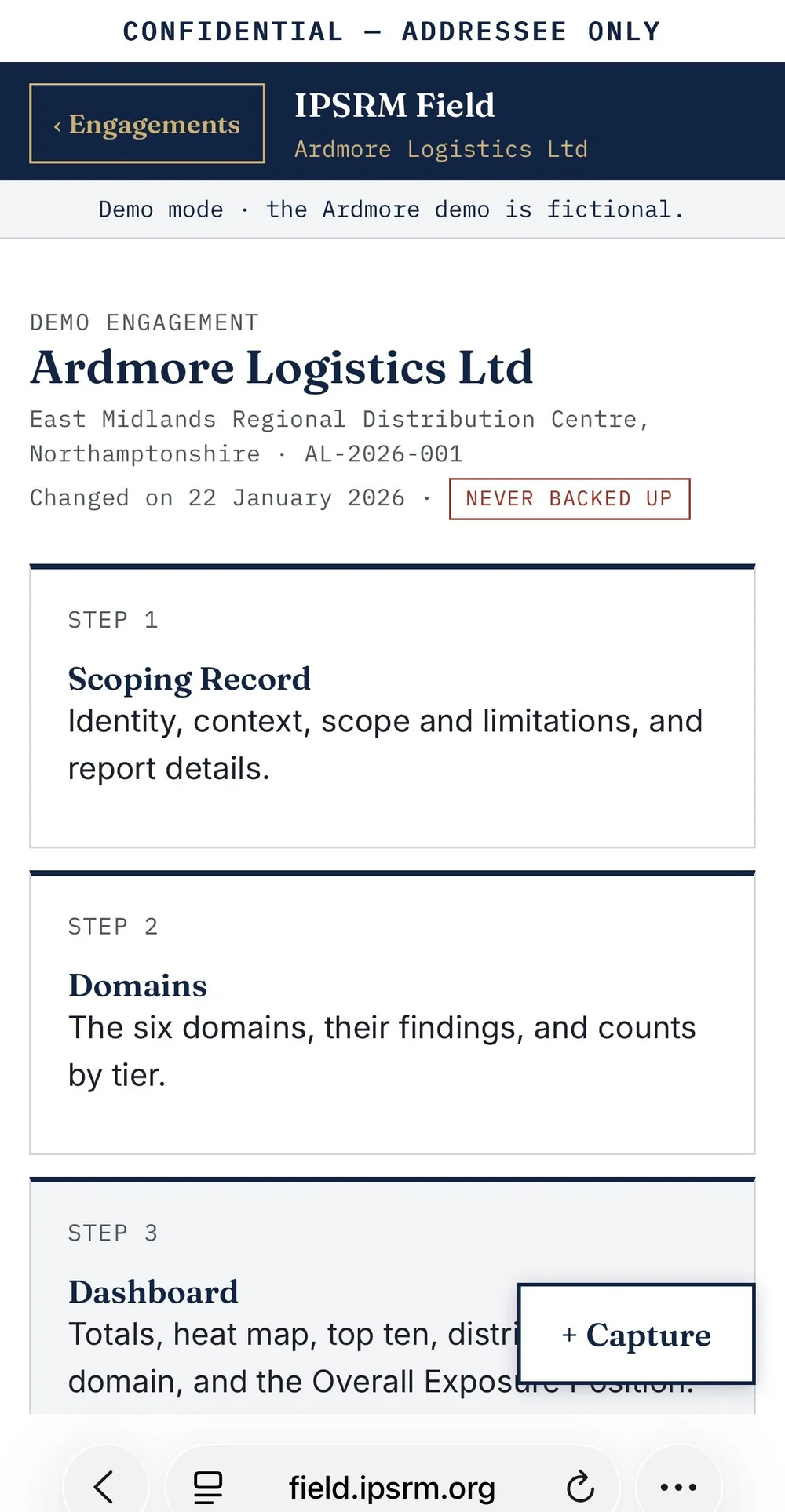
Scope the assessment
Define the assessment, its scope, context and reporting requirements once. The Scoping Record sets the framework for everything that follows and feeds the report cover and headers.
02
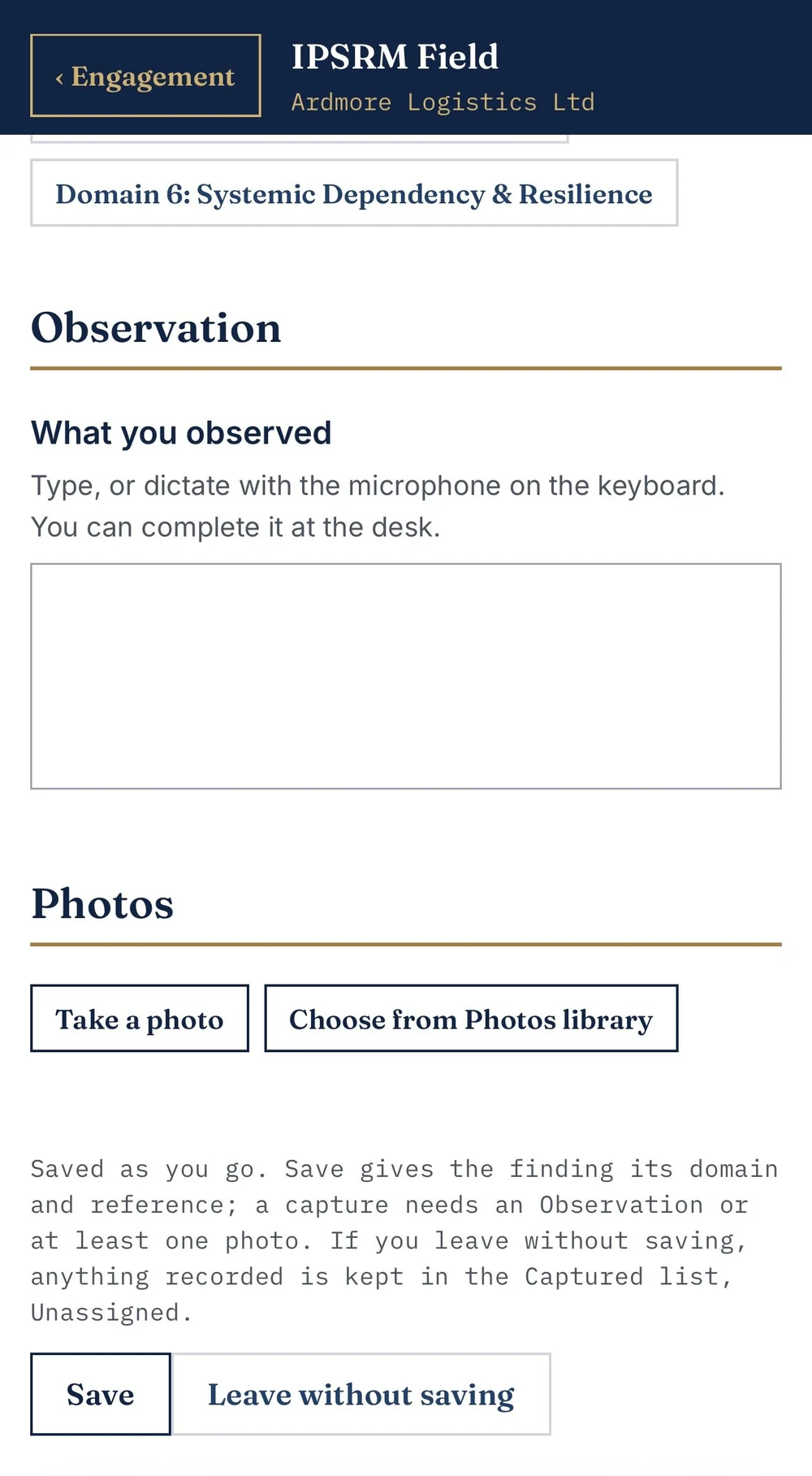
Capture observations and evidence
Record observations as you make them, take photographs and keep the evidence against the relevant finding. Capture is a button away on every screen, built for use at the point of assessment.
03
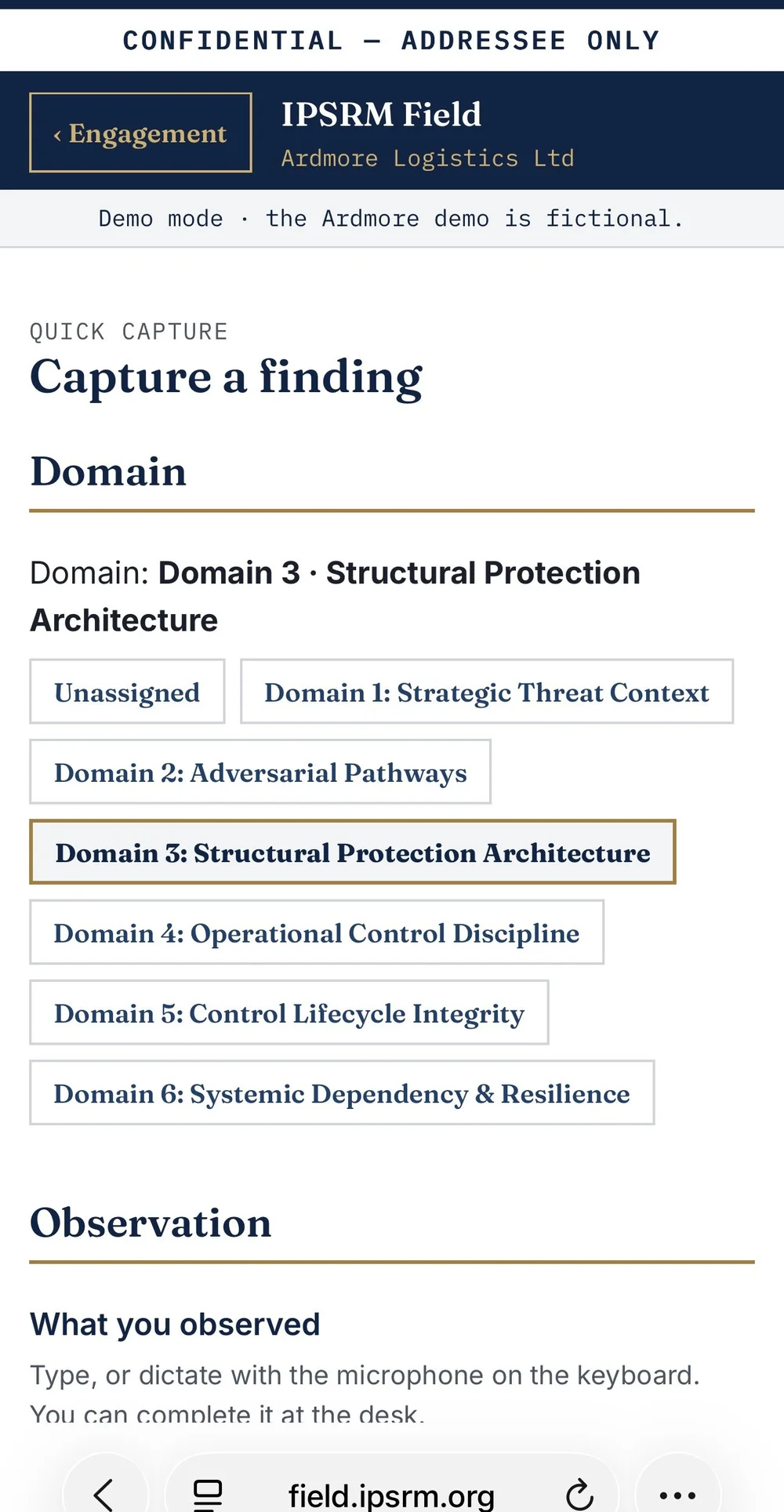
Assess through the methodology
Each finding sits in its IPSRM™ domain and is calibrated for residual impact and likelihood, with the full scale definitions a tap away. You work through the method on the day, rather than reconstructing it afterwards.
04
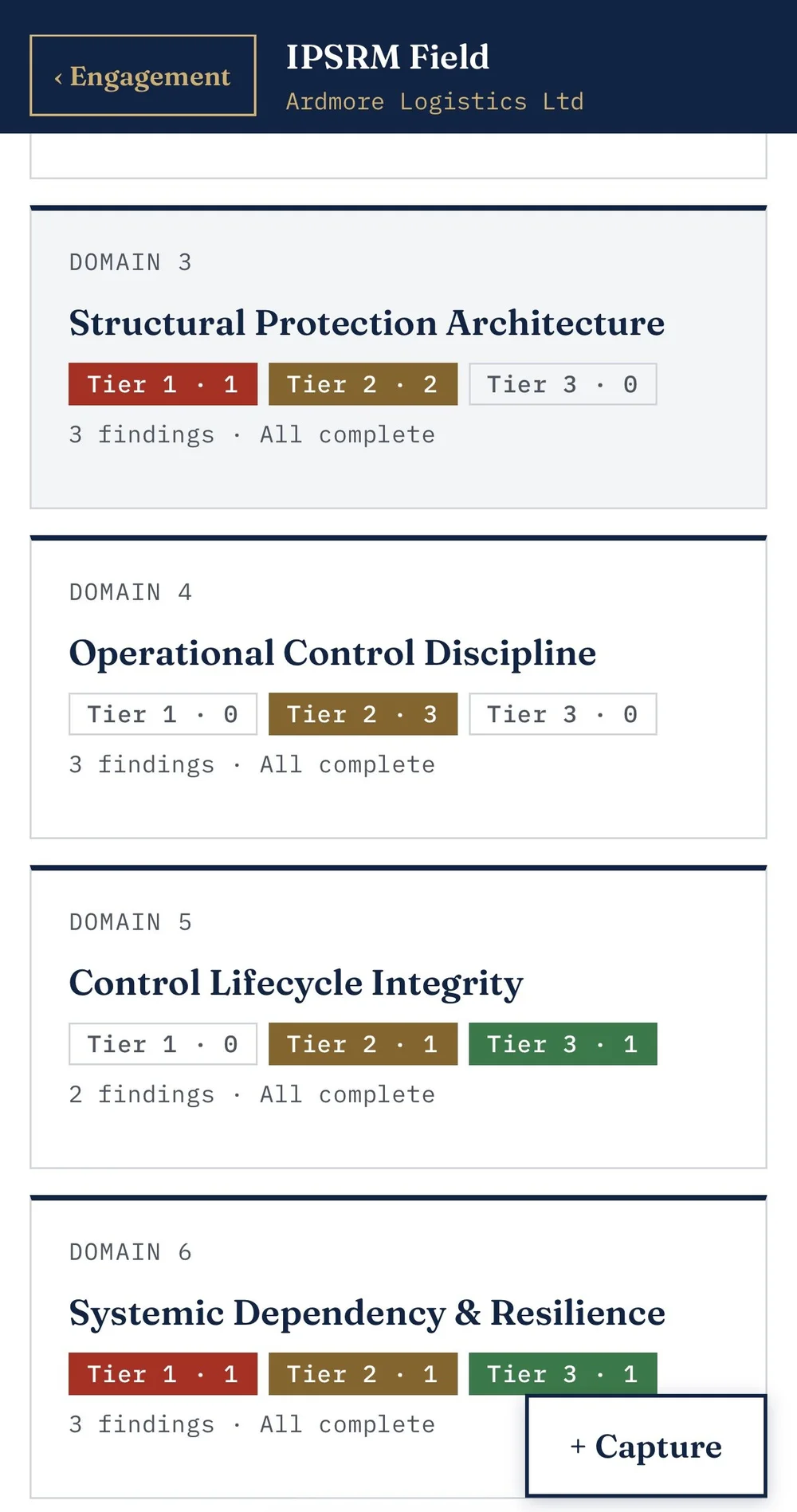
See the risk position emerge
As findings are completed, the dashboard builds the tier distribution, the highest-scoring findings and a suggested Overall Exposure Position, giving a consistent view of residual risk across the assessment.
05
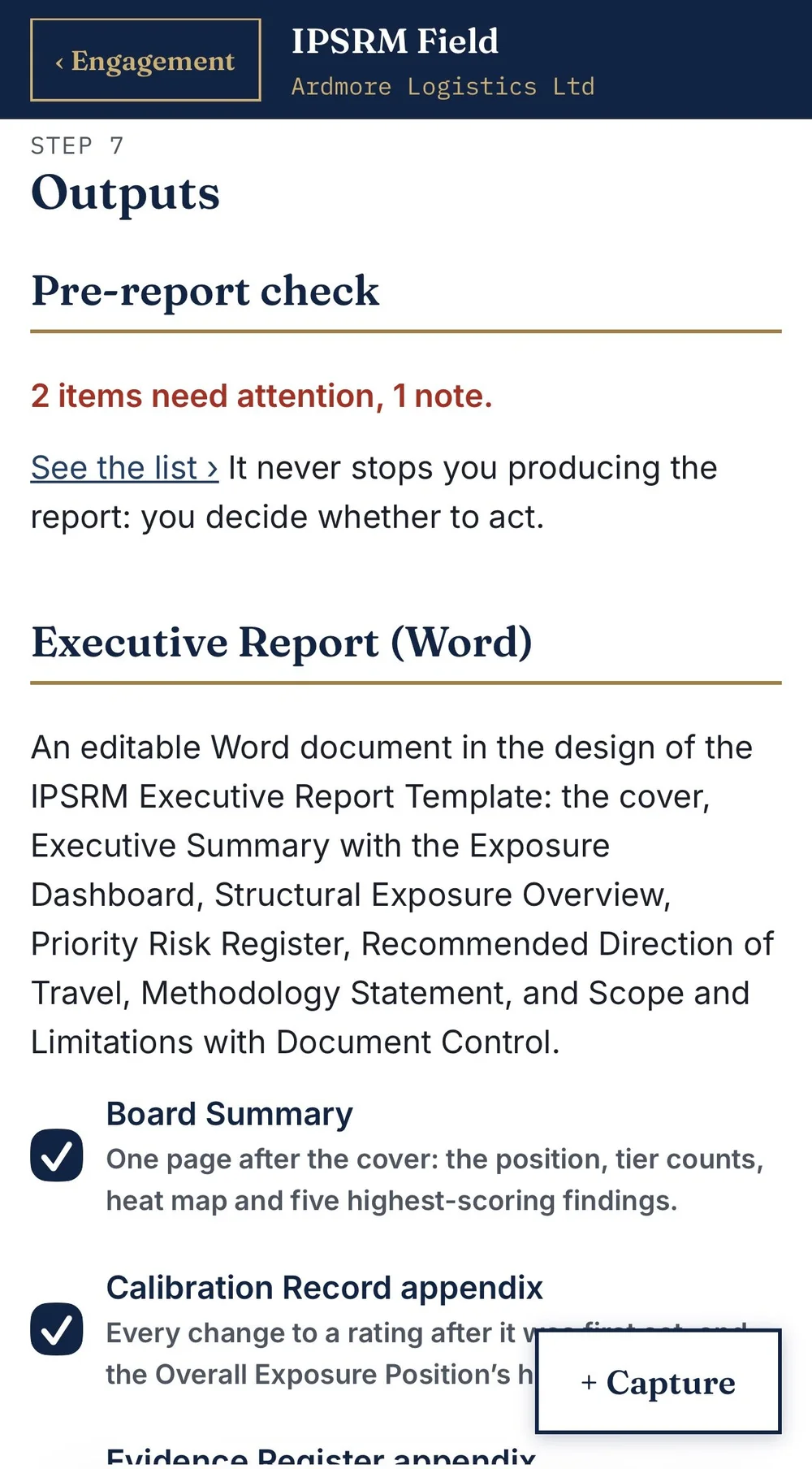
Check, then generate the report
Before reporting, the pre-report check reviews the assessment against the methodology's recording rules and lists anything needing attention. Then the Executive Report and Risk Register are generated from the assessment, not recreated by hand.
06
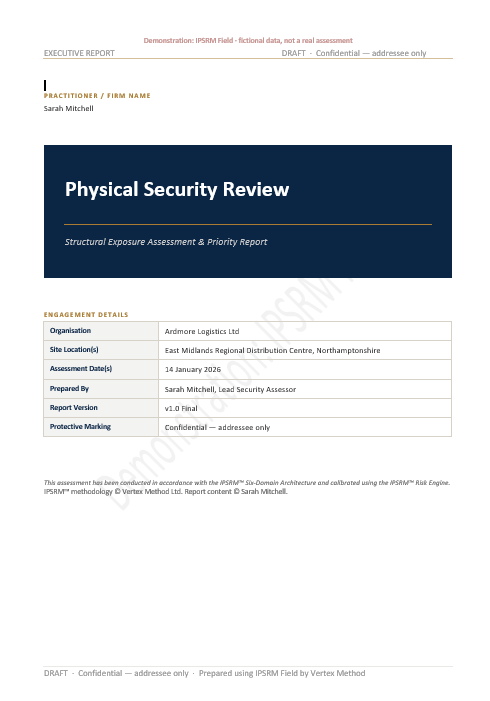
The Executive Report
A board-ready Word document under your name and your firm's logo, ready for your final review.
Built for site work
Practical where it matters.
Works without a signal
Once loaded, IPSRM Field works offline, so a plant room or a remote site is no obstacle.
Your data stays with you
Assessments are kept on your own device, not on anyone's server. Read the Security and data statement.
A visible calibration trail
Every change to a calibrated score is recorded with its date and reason, and can go into the report as an appendix.
Your report, your name
Your details and firm logo on the cover, with the IPSRM™ methodology acknowledged. Word and Excel outputs, ready to finalise.
Repeat assessments, faster
Start a new engagement from a previous one, carrying the scoping across while the assessment itself starts clean.
On the devices you already use
Runs in the browser on iPad, iPhone, Mac and Windows. Add it to your home screen and it opens like any other app.
From observation and evidence, to calibrated risk and the Executive Report. IPSRM Field keeps the whole assessment connected.
IPSRM Field is being piloted by Founding Practitioners on live work ahead of public release. It is licensed as part of the IPSRM™ Practitioner System, with the Practitioner Handbook.
See licensing